
Here is a walk-through for running the IN_Debug script when you need assistance with a batch that will not release in the Inventory module for Microsoft Dynamics SL, formerly known as Solomon accounting software.
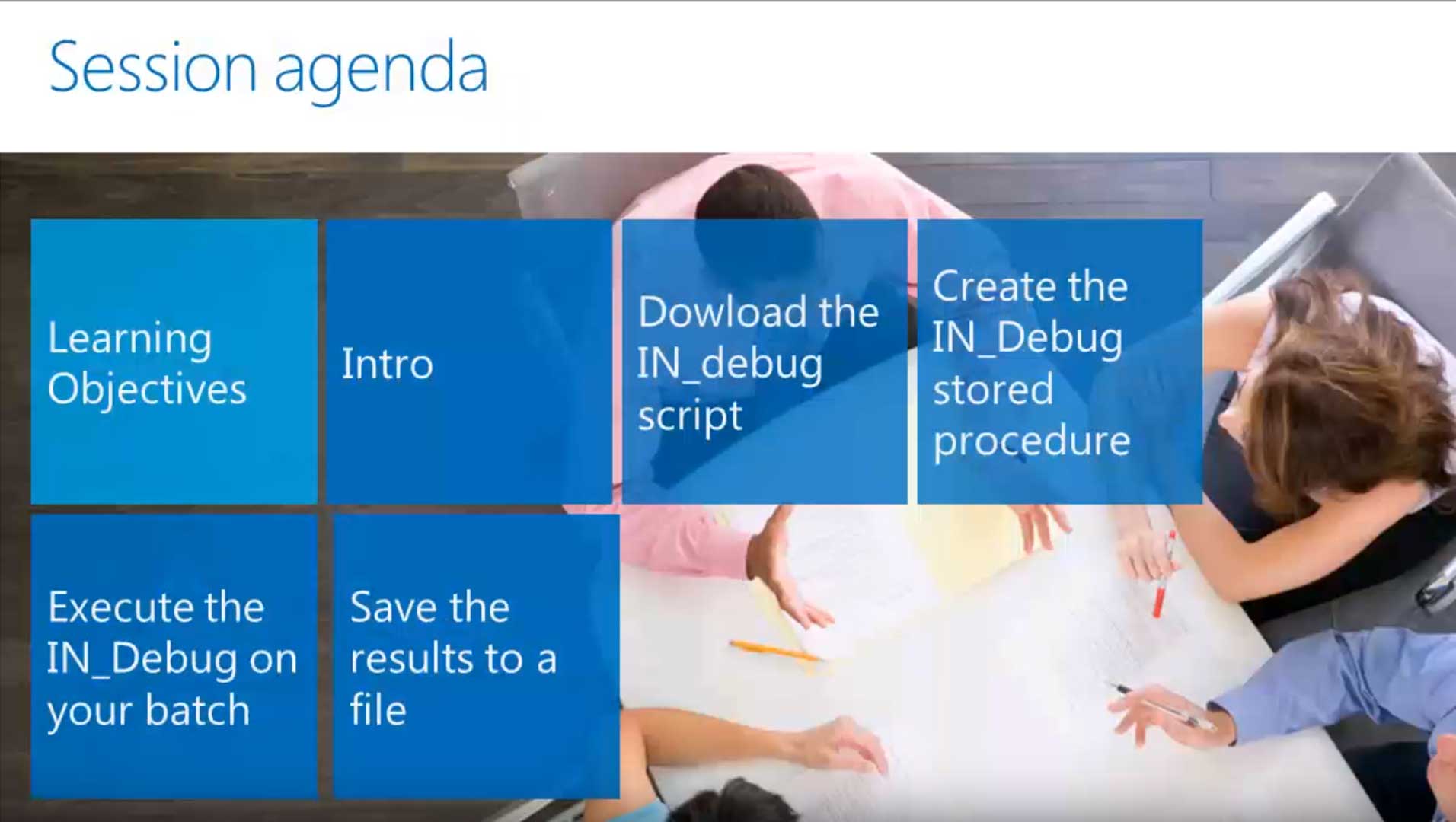
This tutorial is divided into the following sections:
- How to download the IN_Debug file
- How to create the IN_Debug stored procedure
- How to execute the stored procedure in Microsoft SQL Server Management Studio to generate the IN-Debug results
- How to save the results to a file, so you can submit those results to technical support
If you would like to know more about the Microsoft Dynamics business solutions that MIG offers, click here to contact us or call 855-644-2677.